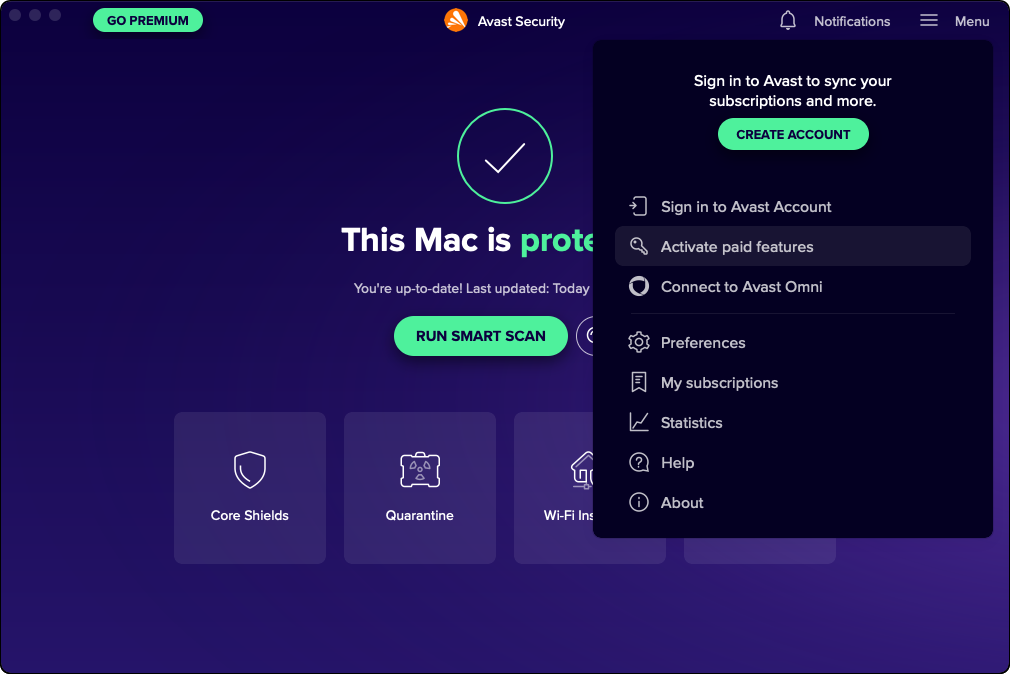
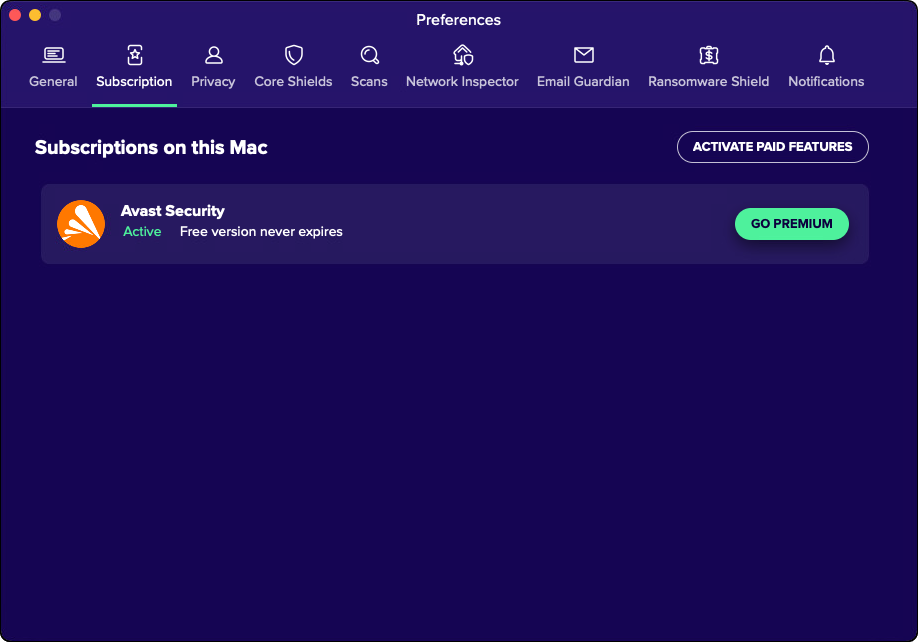
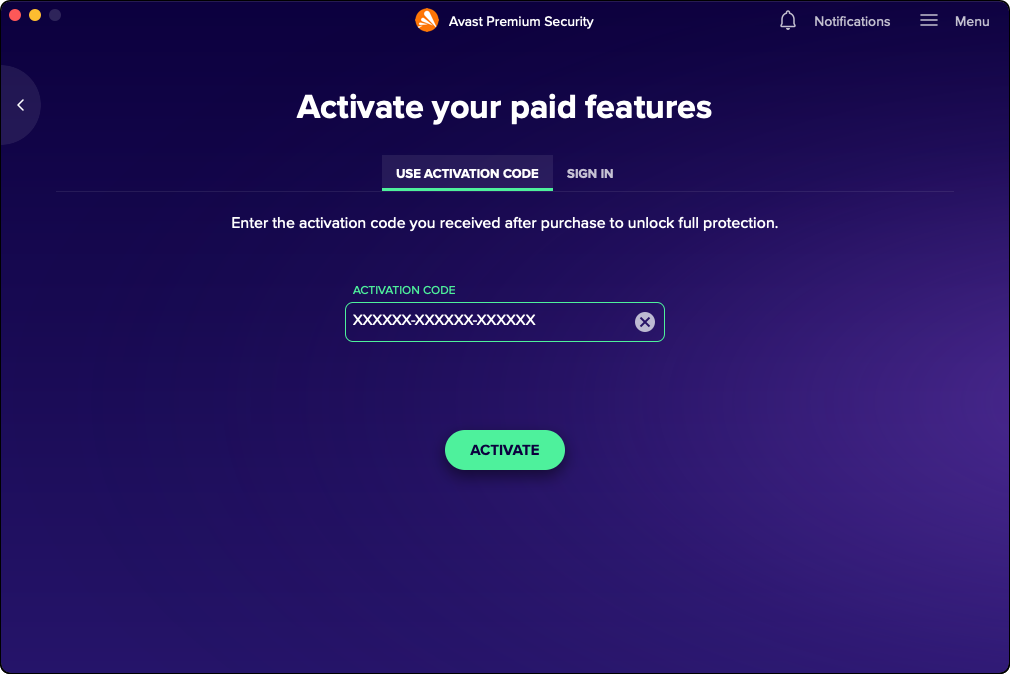
In your Applications folder, double-click the Avast Security icon to open the application, then go to ☰Menu and select My subscriptions ▸ Activate paid features.
Click the text box below to copy your activation code, paste it directly into the application, then click Activate.
See detailed activation instructions
Type the activation code you received with the product into the text box, and click Activate(if asked, enter your name, email, and postal code).
See detailed activation instructions
To open the application, double-click the Avast Security icon in your Applications folder.
 avast_security_online.dmg file (by default, downloaded files are saved to your Downloads folder).
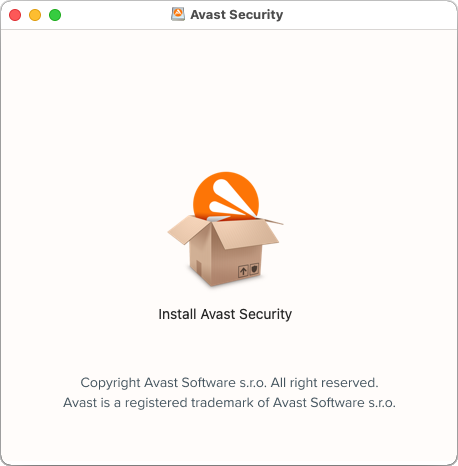 Note: If prompted, click Open to allow required permissions in System Preferences.
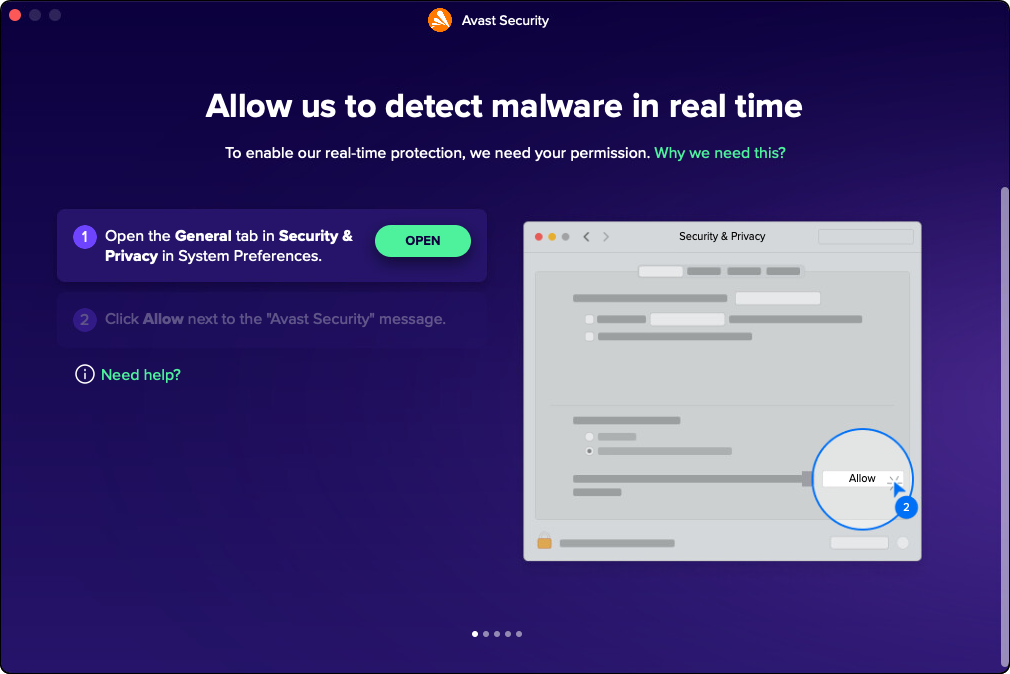
 Avast Security icon to open the application, then go to ☰ Menu and select My subscriptions ▸ Activate paid features.